 Dual Camera
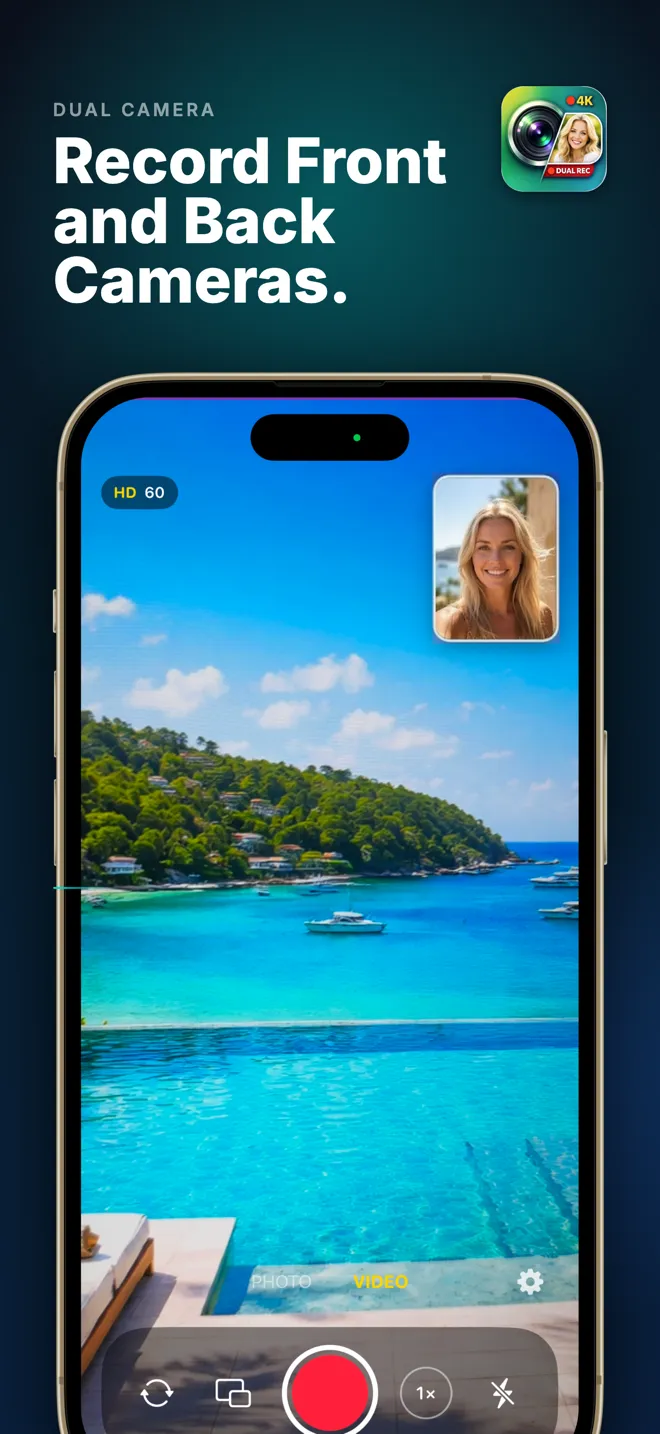
Front + back camera, at the same time
Record both sides of the moment.
Capture your reaction and the scene in one smooth take. Dual Camera turns your iPhone into a two-lens video studio, no editing required.
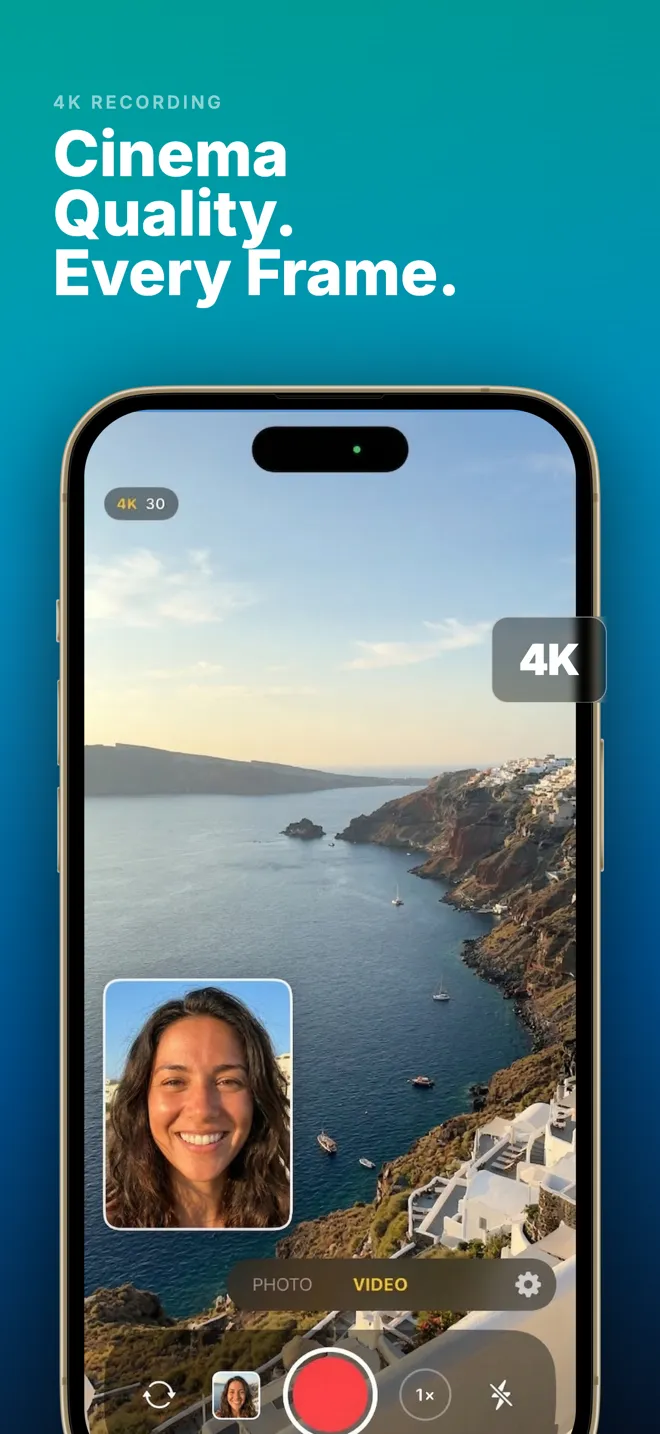
- 4K
- Ultra HD capture
- 17 Frames
- Shapes, styles, splits
- 0 Data
- Nothing collected
Why Dual Camera
A full video studio that fits in one tap.
Simultaneous capture
Front and back, in one take
4K
Ultra HD recording
Photo mode
Zero editing
Private by design
Four recording modes
Choose how the two views come together.
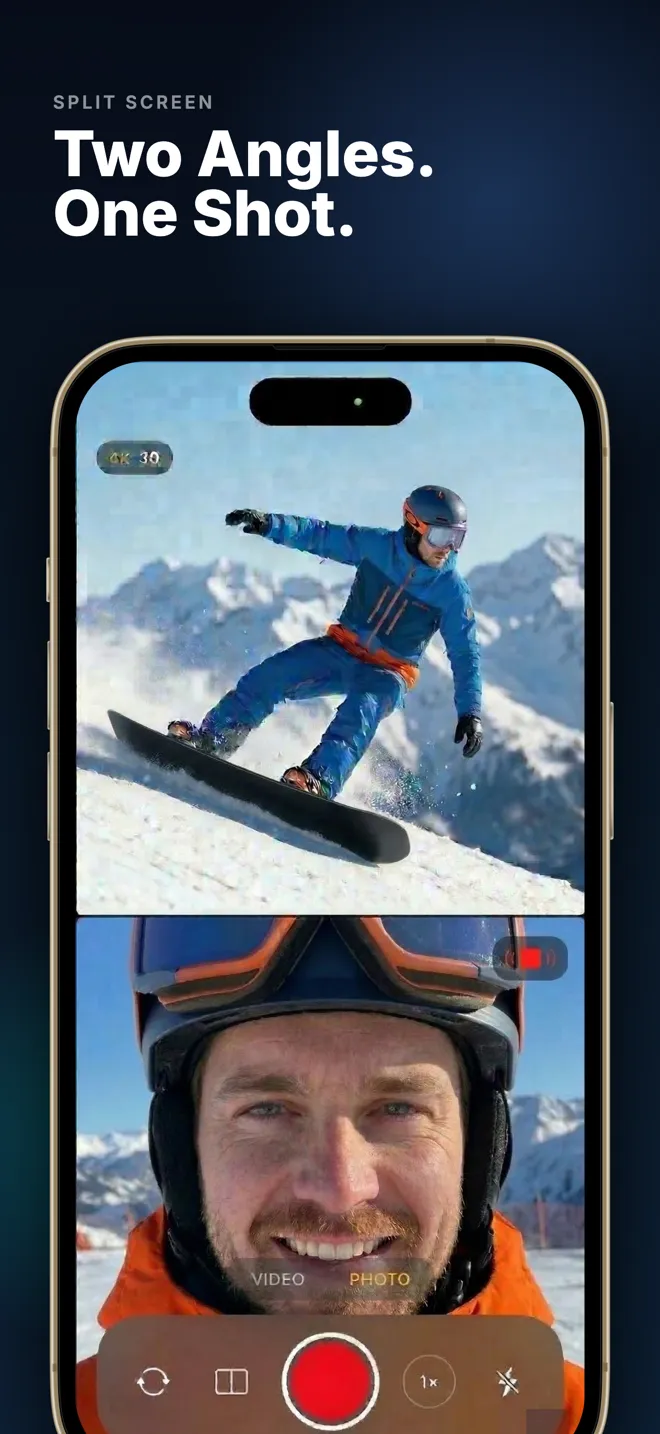
Split screen
Both lenses stacked, equal and side by side.
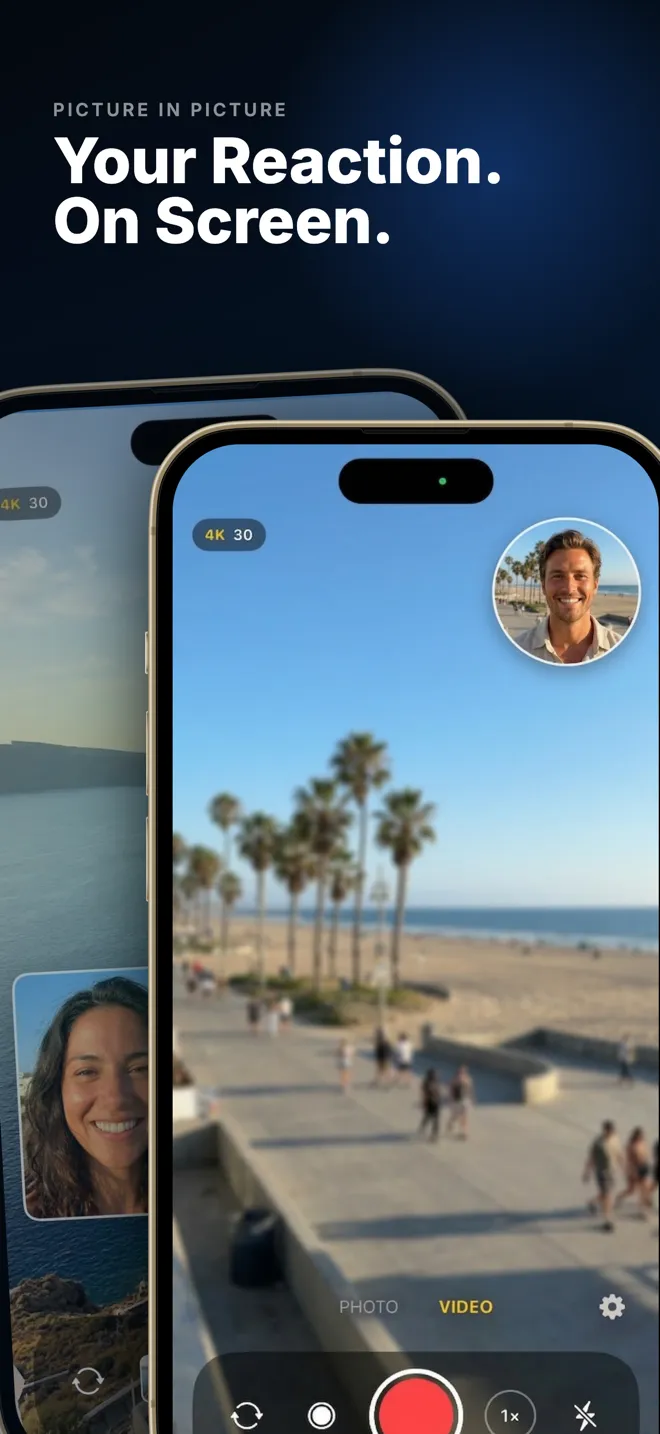
Picture-in-picture
One view floats over the other in a corner.
Side by side
Vertical split, great for landscape framing.
Single lens
Switch to just front or back whenever you like.
Shoot it either way up.
Every mode works in portrait and in landscape. Rotate the phone and the two views re-frame with it. No setting to change, no cropping afterwards.
Portrait
Full-height 9:16 framing for TikTok, Reels and Shorts, ready to post without cropping.
Landscape
Turn the phone and the layout turns with it. Wider framing for YouTube, interviews and the big screen.
17 frames
Then shape the frame however you want.
A mode decides where the two views sit. A frame decides what they look like: the shape of the inset, the treatment around it, where the split falls. Pick one before you record and it renders straight into the video.
Classic
The everyday layouts.
Small PIP
Large PIP
Round PIP
50/50 Split
Shapes
Cut the front view into something with character.
Heart
Star
Hexagon
Diamond
Squircle
Blob
Styles
Treatments that give the inset a look of its own.
Bold Border
Polaroid
Tilted
Glow
Splits
Divide the frame somewhere other than the middle.
Diagonal
70 / 30
60 / 40
Small PIP is free. The remaining 16 frames unlock together with the optional upgrade.
How it compares
Apple's Dual Capture, and where it stops.
Apple added a built-in Dual Capture mode with the iPhone 17 lineup, but it records in one fixed layout and no earlier iPhone gets it. If you have an older iPhone, or you want control over how the two views sit together, that gap is what Dual Camera fills.
| Apple Dual Capture | Dual Camera | |
|---|---|---|
| Works on | iPhone 17, Air, 17 Pro, 17 Pro Max | iPhone XR and later |
| Layouts | Picture-in-picture only | Split, picture-in-picture, side by side, single lens |
| Frame shapes and styles | None, just one fixed rectangle | 17 frames: shapes, styles and off-centre splits |
| Swap which lens fills the frame | No | Yes |
| Price | Built into iOS | Free, with an optional unlock |
Apple Dual Capture details reflect the feature as shipped on iPhone 17. Both apps record at up to 4K.
Made for the way you film
One app, every kind of story.
Vlogs & travel
Reaction videos
Interviews
Tutorials & family
See it in action
Screenshots
Guides
Everything about recording two cameras at once.
How to Record the Front and Back Camera at the Same Time on iPhone
Read the guide →
Which iPhones Can Record the Front and Back Camera at Once?
Read the guide →
iPhone 17 Dual Capture — How It Works and Where It Stops
Read the guide →
Dual Capture Not Working or Missing? Here's Why
Read the guide →
How to Screen Record on iPhone
Read the guide →
How to Record Picture-in-Picture Video on iPhone
Read the guide →
iPhone Screen Recording Not Working
Read the guide →
iPhone Camera Showing a Black Screen? Here's Why
Read the guide →
iPhone Overheating: What's Normal, What Isn't, What to Do
Read the guide →
Questions
Frequently asked
Can an iPhone record with the front and back camera at the same time?
Which iPhones does Dual Camera work on?
Do I need an iPhone 17 to record both cameras?
Does Dual Camera record in 4K?
What are frames, and how are they different from modes?
Can I record dual camera in landscape?
Is the result one video file or two?
Can I take dual camera photos as well as video?
Is Dual Camera free?
Does the app collect my data?
Start recording from both sides.
Free to download. Works on iPhone & iPad running iOS 18.6 or later.